
.png)
Embedding the editor
The iframe URL, its query parameters, and what the editor does on its own once it loads.
The editor is embedded with a plain <iframe>. There is no script to include and no client library. Your page builds a URL, and the editor handles authentication, saving and storage itself.
The URL
https://maileditor.net/plugin-editor/v1/{plugin_id}?external_user_id=…&identity_expires=…&identity_signature=…&plugin_version=…Prop
Type
The three identity parameters are required in the default signed identity mode. See Identity signing for how to produce them and for the other modes.
The iframe
<iframe
  src="https://maileditor.net/plugin-editor/v1/9f3c1e7a-…?external_user_id=…"
  title="Email editor"
  allow="clipboard-write; fullscreen"
  style="width: 100%; height: 100vh; border: 0"
></iframe>
clipboard-write lets the editor's copy buttons work and fullscreen lets the preview open full screen. Give the iframe as much height as you can; the editor lays itself out to fit.
Building the URL
Sign the identity on your server, then either render the finished URL into the page or return the signed values to the page and build the URL there. Complete examples for Next.js, React, Vue, Svelte, Angular, vanilla JavaScript, WordPress, Laravel, Django and Rails are in the Platform guides.
Opening an existing template
Add template_id to open one of the user's saved templates. Template ids come from the Backend API templates list. The template must belong to the same external_user_id, otherwise the editor reports template_not_found.
What the editor does on its own
Once the iframe loads, the editor:
- Opens a session with the Plugin ID, the identity parameters and the origin of your page. MailEditor checks the origin against the allowed domains and the signature against the Plugin Secret.
- Keeps the session alive while the page is open.
- Loads its configuration (plan features, hidden blocks, curated categories, AI availability, logo) and the user's templates.
- Ends the session when the iframe is removed or the page unloads.
Sessions are per plugin and per browser tab.
No events, no SDK
The iframe does not tell your page when a template is saved or closed. To react to saves, read templates through the Backend API.
Signing in
The identity is fixed when the URL is built. To switch user, render a new iframe with a new signed URL. Sign when the page loads, not at build time, because the signature is valid for at most 15 minutes.
Troubleshooting
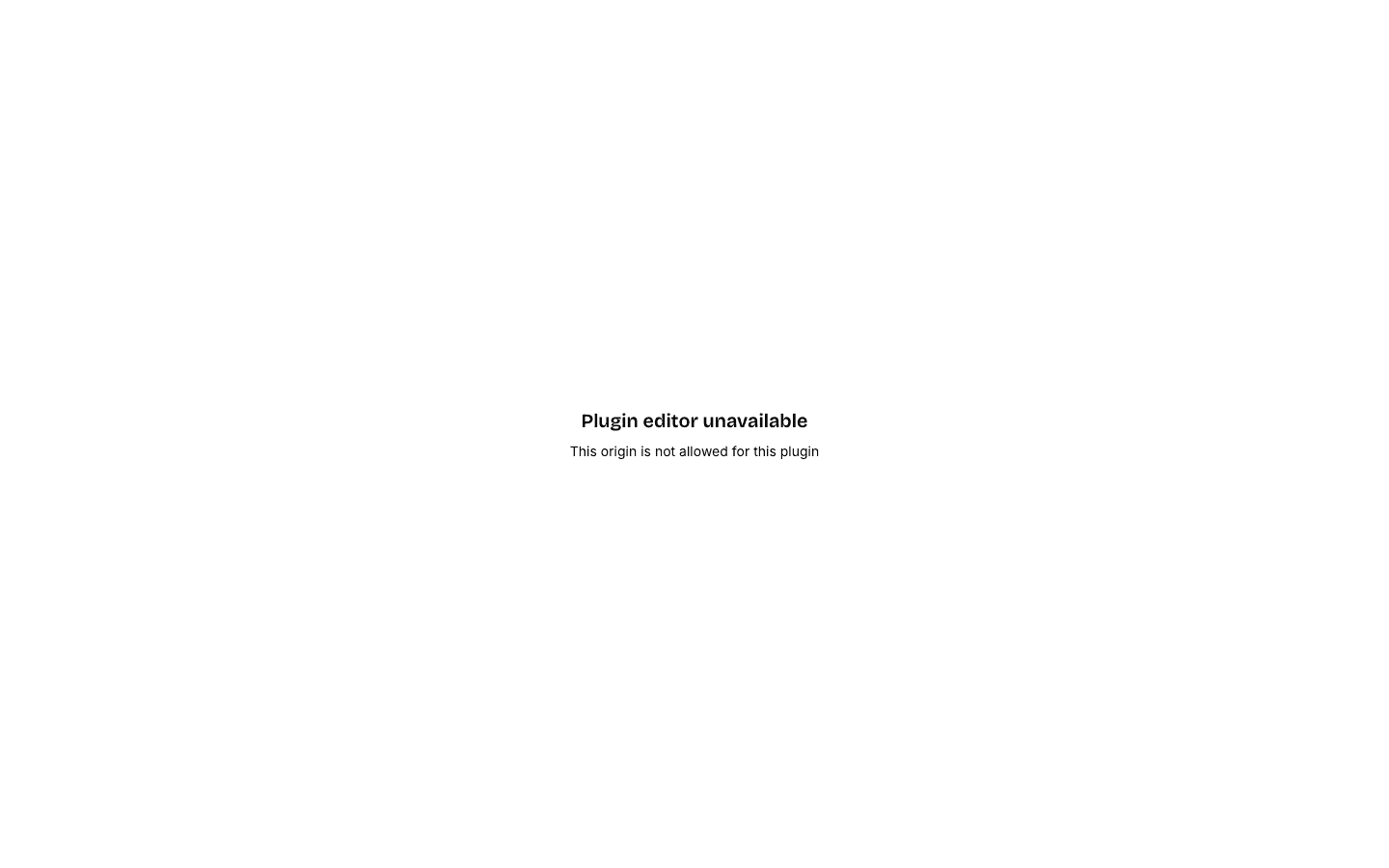
When the editor cannot start it shows "Plugin editor unavailable" with the reason underneath. Here it was opened from an origin that is not on the plugin's domain list:
The machine-readable code is in the session response in your browser's network tab, under result.error. Codes and fixes: Error codes.